



Dji Osmo Nano 128GB Standard Combo

Purchase products with GST Invoice and save 18% more on your bill with input tax credit
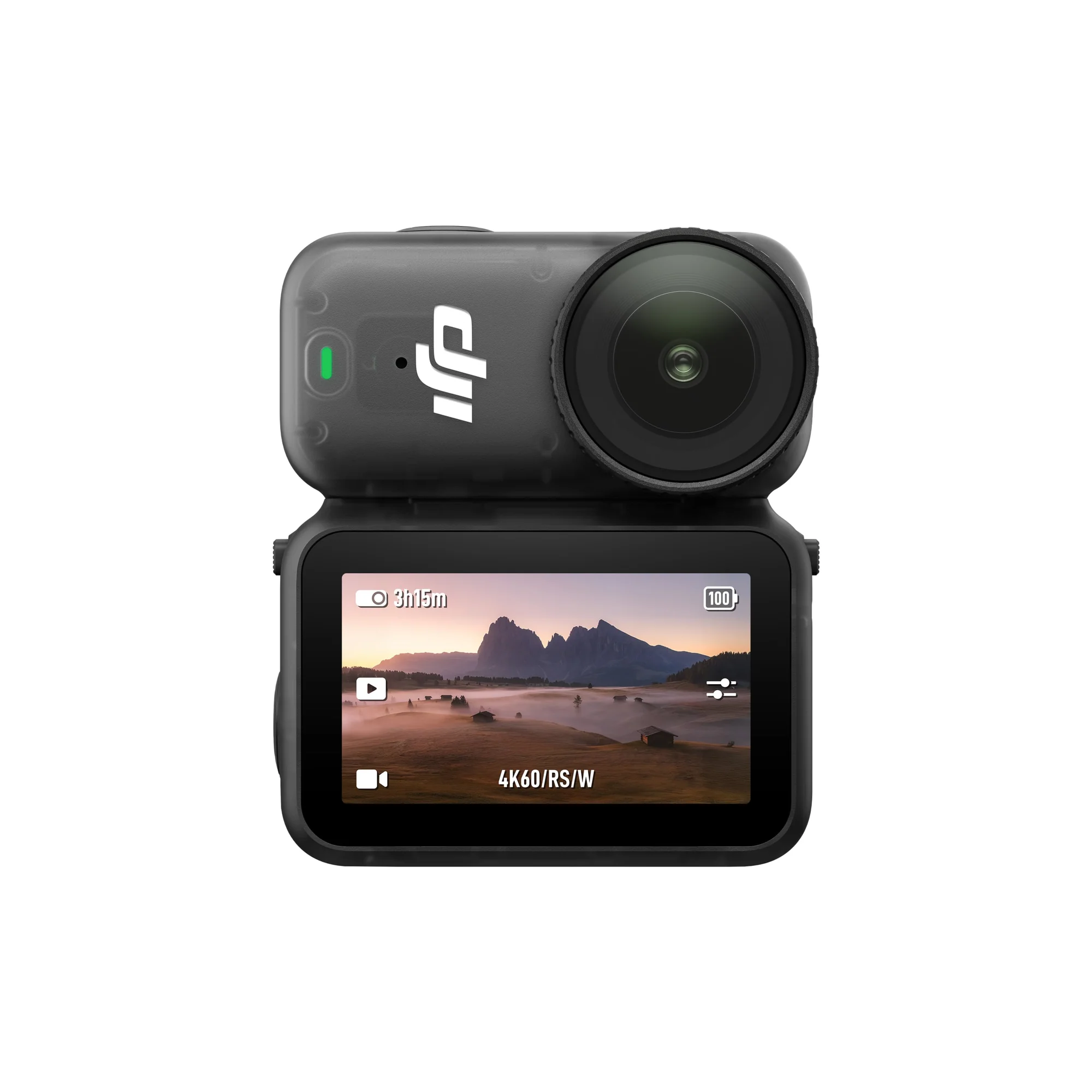
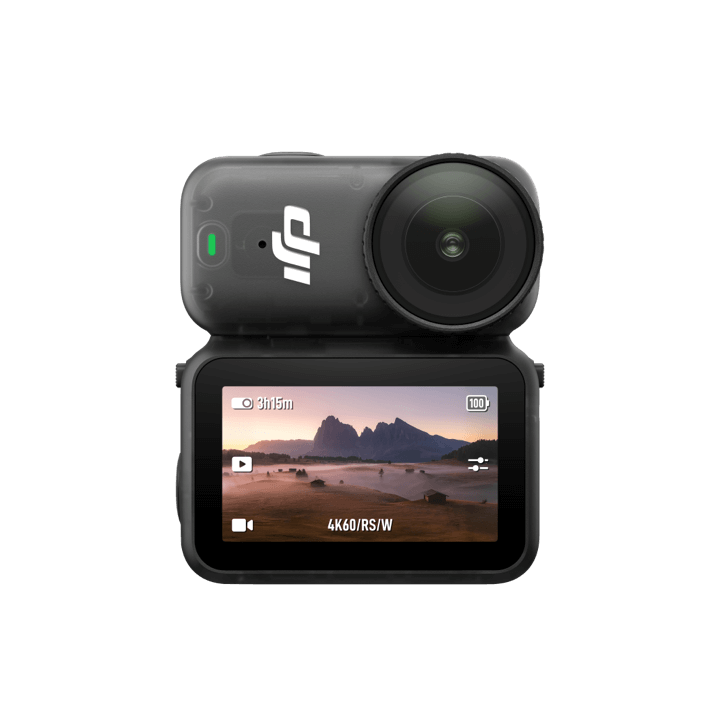
Lightweight and ready for anything, Osmo Nano lets you capture life’s moments effortlessly, wherever your day takes you. From cycling and running to epic adventures and everyday moments, Osmo Nano delivers crisp, vivid footage that brings every memory to life. Its sleek, magnetic design unlocks bold, new, hands-free shooting angles, helping you tell your story like never before.
All-New 1/1.3″ Sensor
4K/60fps
143° Wide FOV
Lightweight, Dual-Sided Magnetic Design [1]
10-bit & D-Log M Color Performance
200-Min Extended Battery Life [2] & Fast Charging
Live View With Remote Control & Swift Content Transfer
OsmoAudio™ Direct Microphone Connection [3]
10m Waterproof Camera [4], IPX4-Rated Vision Dock [5]
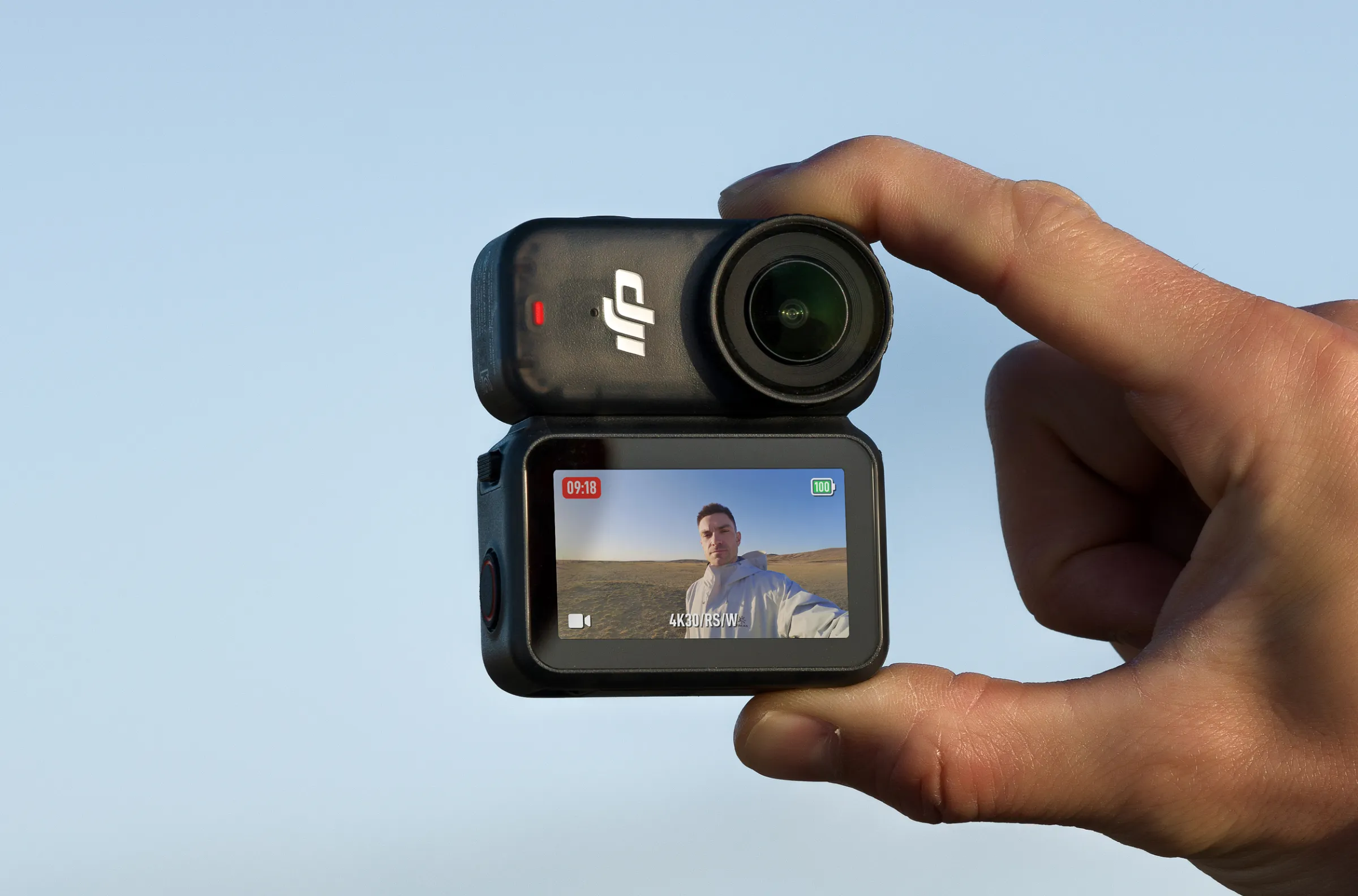
Ultra-Lightweight, Effortlessly Wearable
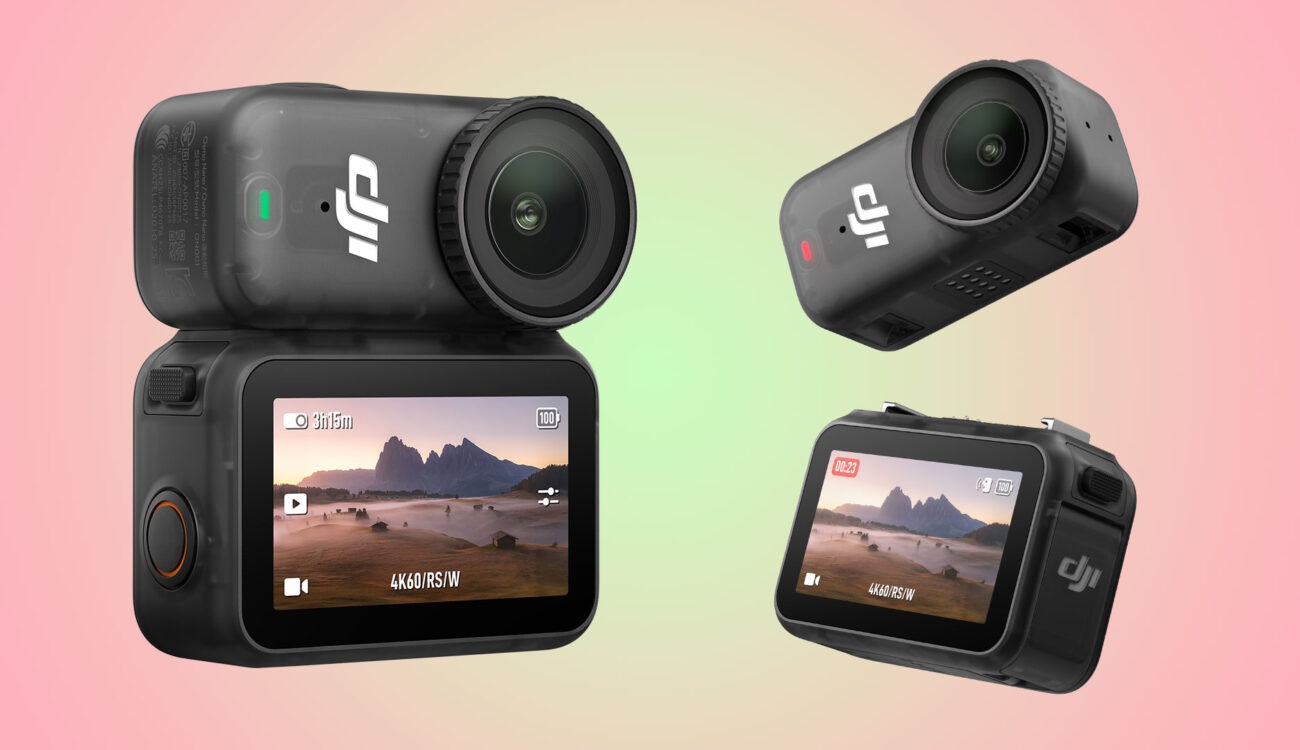
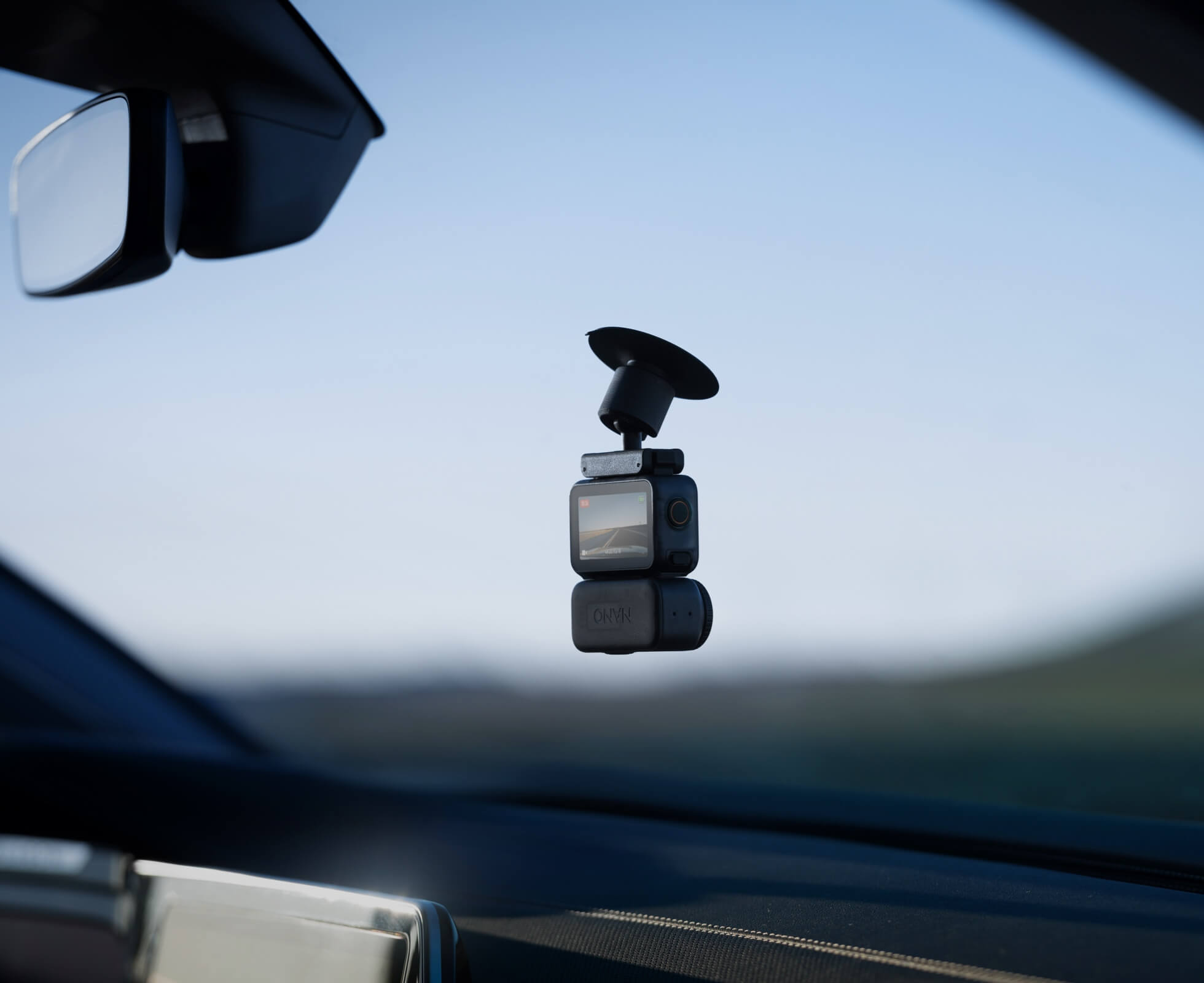
With its ultra-compact design, dual-sided magnetic mounting [1] and versatile accessory options, Osmo Nano can be flexibly mounted in various positions, allowing you to discover creative shooting angles beyond imagination — empowering you with creative freedom.
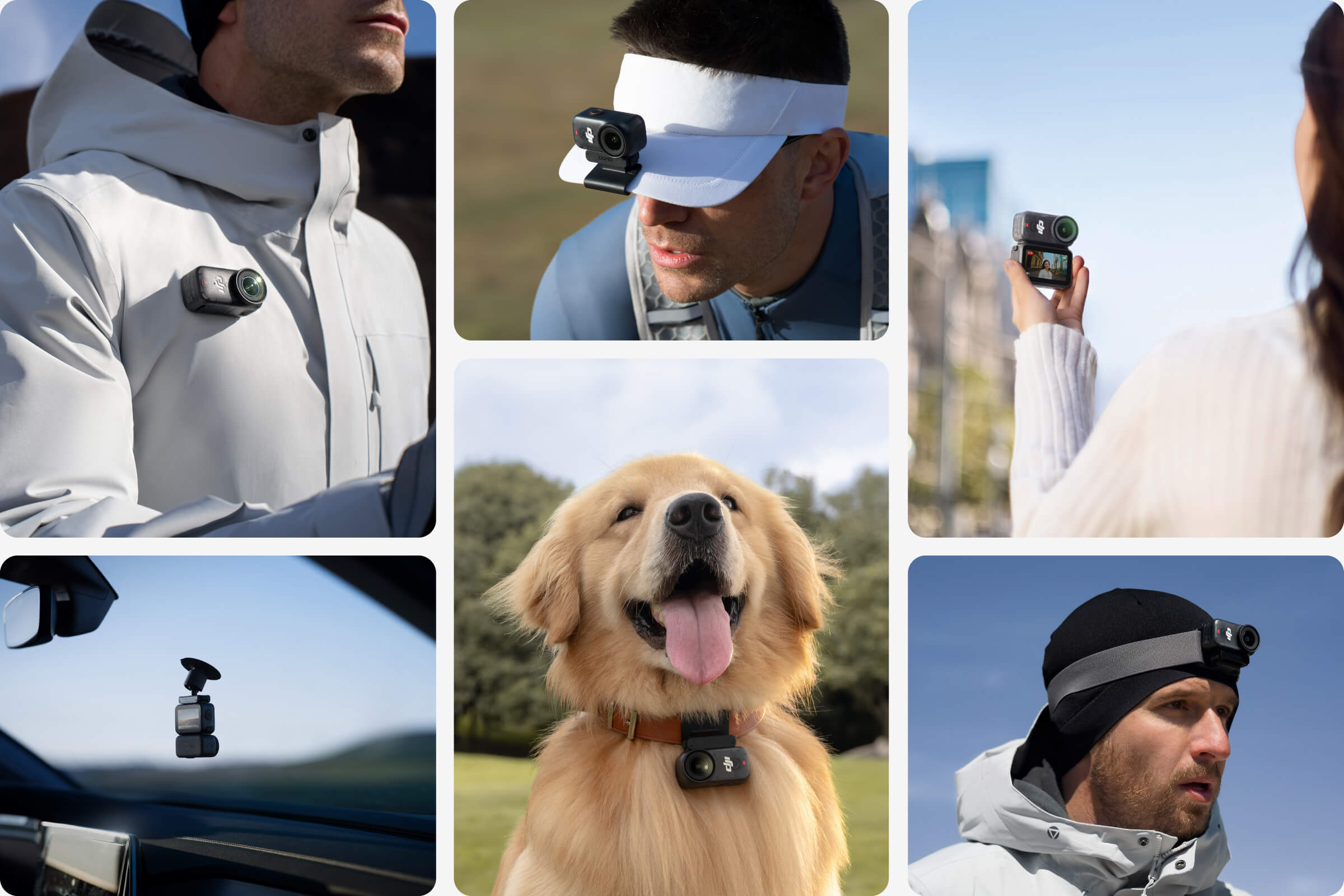
Image Quality Beyond Imagination
Next-Gen 1/1.3″ Sensor
Equipped with a 1/1.3-inch sensor and a high-performance image processor, Osmo Nano offers up to 13.5 stops of dynamic range, capturing visuals on par with professional cameras. This powerful imaging performance delivers crisp, detailed shots in both low light and bright sunlight effortlessly.
2.4
μm
Pixel Size[6]
13.5
Stops
Max Dynamic Range [6]
Professional Imaging Without Compromise
Small and lightweight, yet remarkably powerful — Osmo Nano lets you shoot with ease. Capture every moment in crisp detail with up to 4K/60fps video and 4K/120fps slow motion.
143° Wide FOV. Capture MoreWhether you’re capturing action sports, travel landscapes or everyday highlights, Osmo Nano’s 143° ultra-wide field of view helps you fit more into every frame, making your memories more complete.
143°
10-bit & D-Log M Color Performance
Effortlessly capture over a billion colors with stunning detail in both highlights and shadows. Whether shooting in high dynamic range or complex color environments, Osmo Nano preserves rich color and brightness information, giving you greater flexibility for post-production and creative editing.
SuperNight Mode
In low light conditions, Osmo Nano's SuperNight mode [16] enhances image quality with noise reduction algorithms.
Two Stabilization Modes for Cinematic Results [17]
HorizonBalancing
RockSteady 3.0
HorizonBalancing corrects horizon tilts within a ±30° range and supports video recording up to 4K/60fps [17].
Versatile Design, Ready for Every Shot
Multifunctional Vision Dock
Live View With Remote Control
The magnetic design allows the camera to be mounted in either direction, making it easy to switch between selfies and shooting others. Enjoy real-time viewing and remote control at your fingertips with the built-in OLED touchscreen.

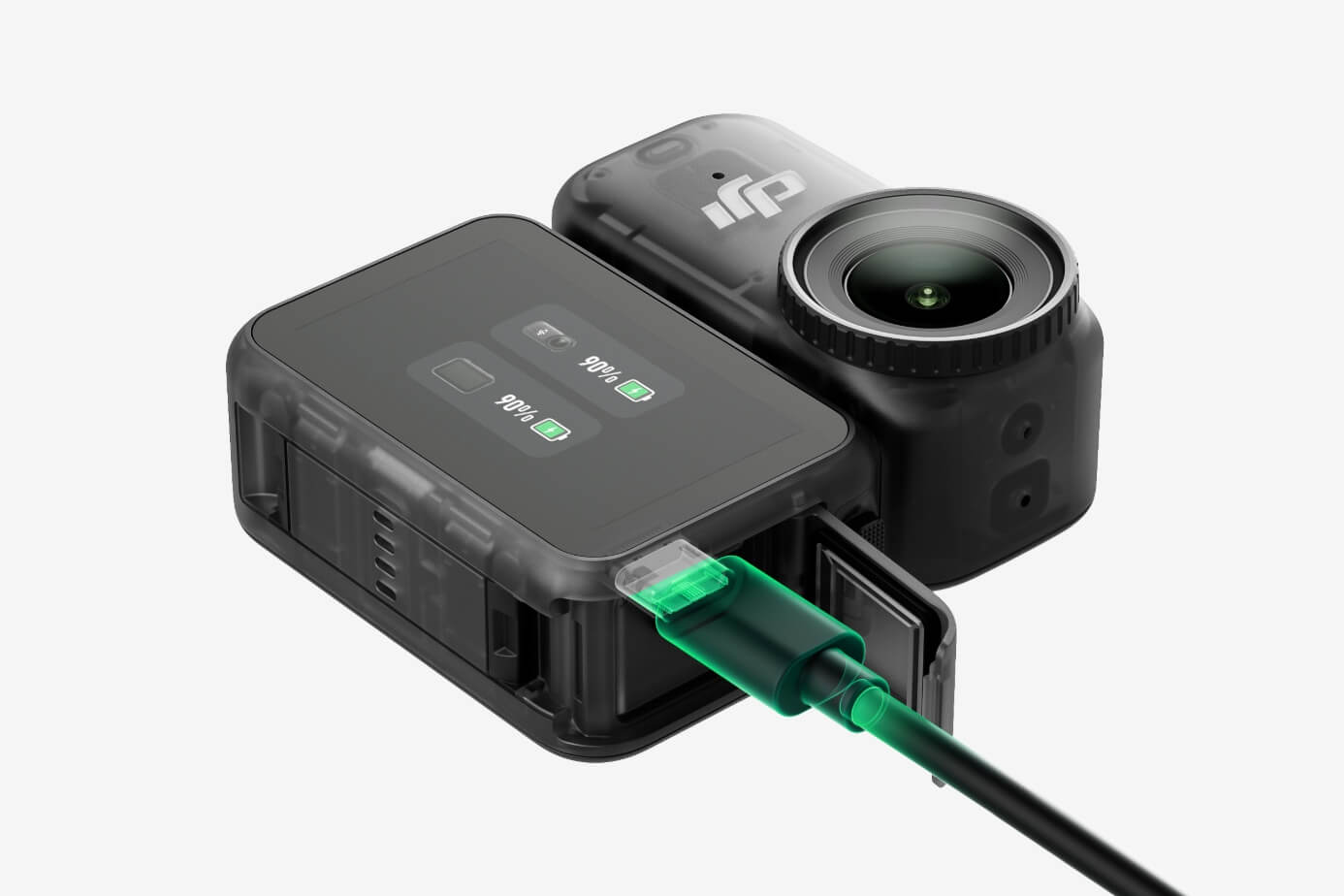
Fast Charging & Long Operating Time
The Multifunctional Vision Dock supports fast charging for both the camera and itself. When charging the Osmo Nano main camera, it only takes 20 minutes to reach 80% battery level [7]. When attached to the camera and fully charged, the setup can record up to 200 minutes of 1080p/24fps video [2].
90
min [2]
Main Camera 1080p Runtime
60
min [2]
Main Camera 4K Runtime
Multiple Options for Swift Content Transfer
Osmo Nano features high-speed contact points compatible with the USB 3.1 protocol. Connect to mobile devices or computers using a PD fast-charging cable for lightning-fast transfers up to 600 MB/s [8]. The Multifunctional Vision Dock also includes a built-in microSD card slot for quick footage export with a single tap [9].
Ready for Water, Ready for Adventure
The camera is waterproof up to 10 meters [4] without any additional housing, making it ideal for underwater shooting. When paired with the Multifunctional Vision Dock, it offers IPX4-rated splash resistance [5], protecting against sweat, rain, and minor splashes. Confidently capture exciting water sports and outdoor adventures with greater peace of mind.
Multiple Audio Options for Premium Sound Quality
OsmoAudio™ Direct Microphone Connection
Connect up to two microphone transmitters directly [3]—no receiver needed—to capture two audio sources simultaneously in a single recording [10]. Whether you’re stationary or on the go, the DJI OsmoAudio™ ecosystem ensures studio-quality sound for every scene.
Stereo Recording
The compact body features dual built-in microphones for stereo recording, delivering clear, vivid audio for an immersive first-person audiovisual experience.
Creative Freedom With Flexible Shooting Modes
Horizontal & Vertical Shooting [11]
Auto Recording
Nod/Pat Recording
Pre-Rec
Effortlessly switch between horizontal and vertical shooting for flexible composition to suit different scenes and sharing needs [11].
Seamless Editing With DJI Mimo
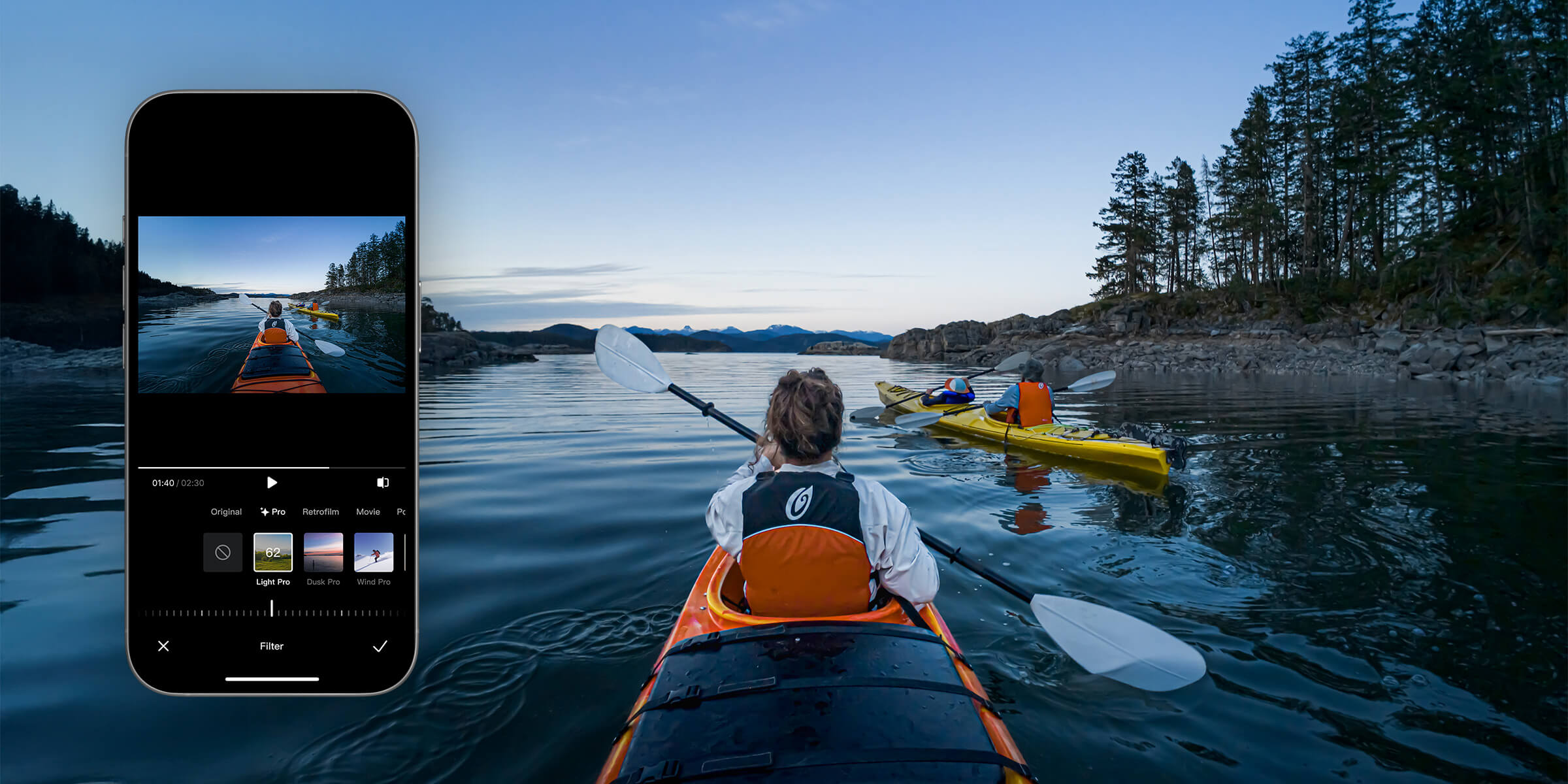
Once Osmo Nano is wirelessly connected, preview your footage in real time and adjust settings easily. The DJI Mimo app offers a variety of built-in editing templates and one-tap video creation, producing polished videos is quick and effortless. The app also offers smart editing features like sports dashboards, live photos and filters to meet all your post-production needs — making creation simpler and sharing more impressive.



One-Tap Editing
Glamour Effects 2.0
Sports Dashboard
Wi-Fi 6.0 High-Speed Transfer
Pro Filters
Live Photos
The DJI Mimo app offers a wide range of templates and sound effects, making it easy to edit, create, and share your videos all in one place.
Various Accessories, Customize Your Setup
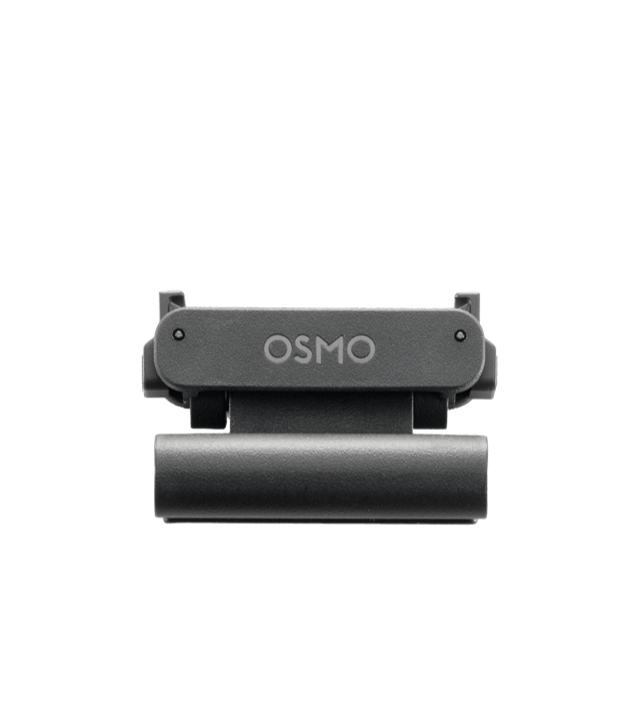
Osmo Nano Magnetic Hat Clip
- Secure the camera to your hat brim and easily adjust the tilt angle. Lightweight and unobtrusive, comfortably capture first-person footage without any obstacles.
Osmo Nano Magnetic Hat Clip
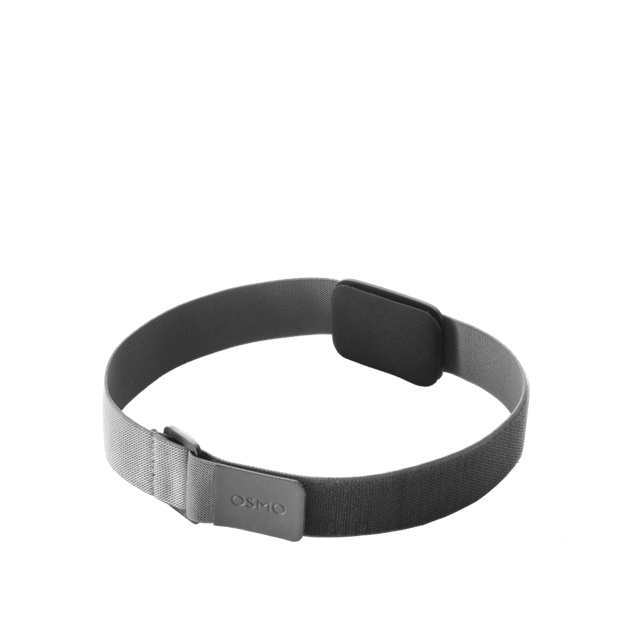
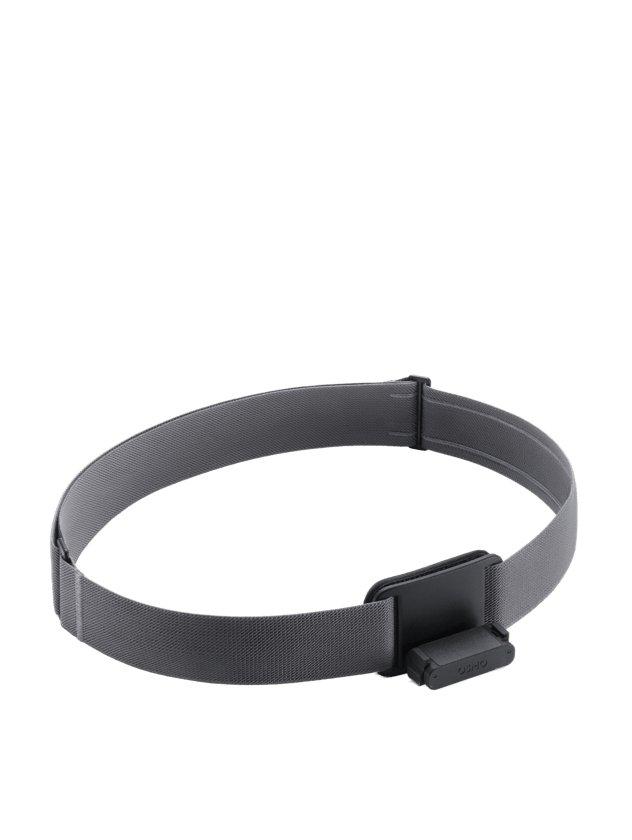
Osmo Magnetic Headband
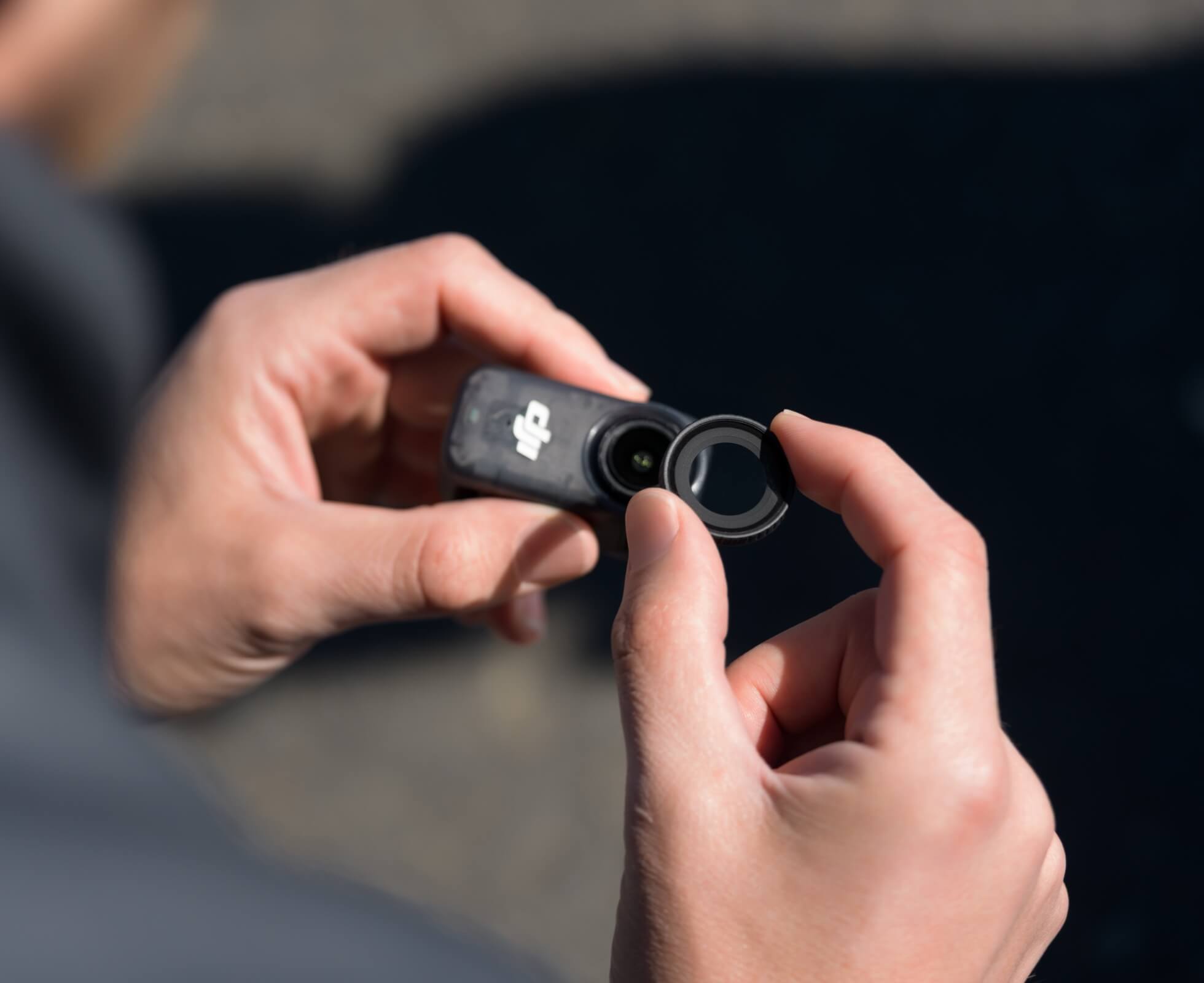
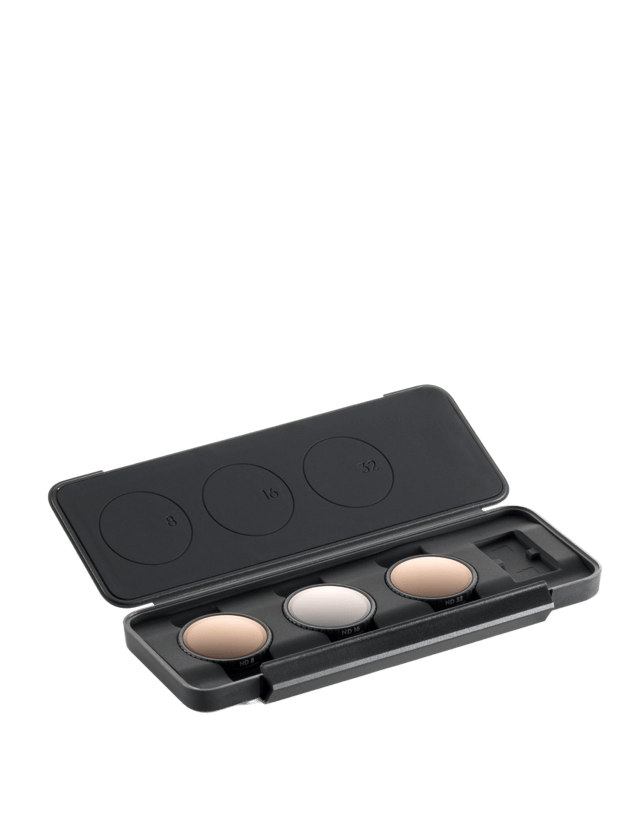
Osmo Nano ND Filter Set
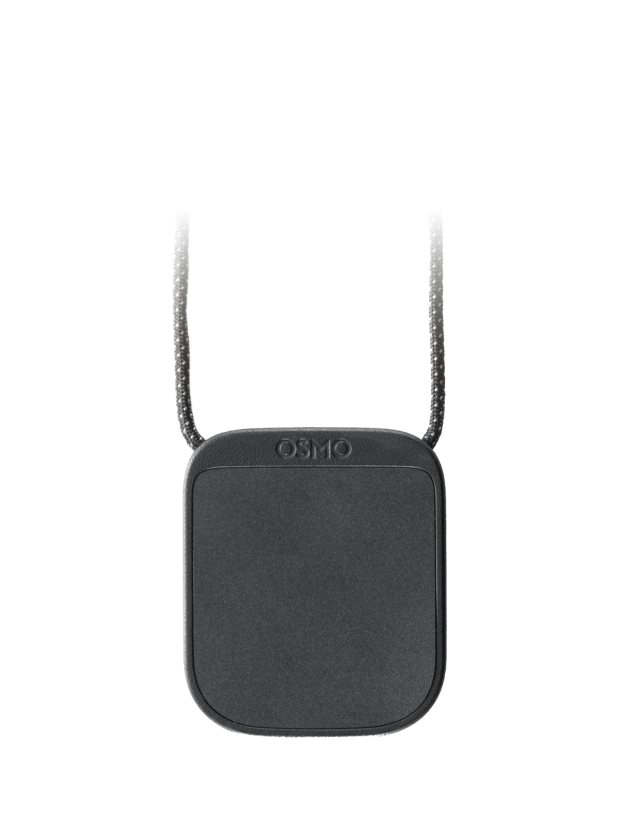
Osmo Nano Magnetic Lanyard
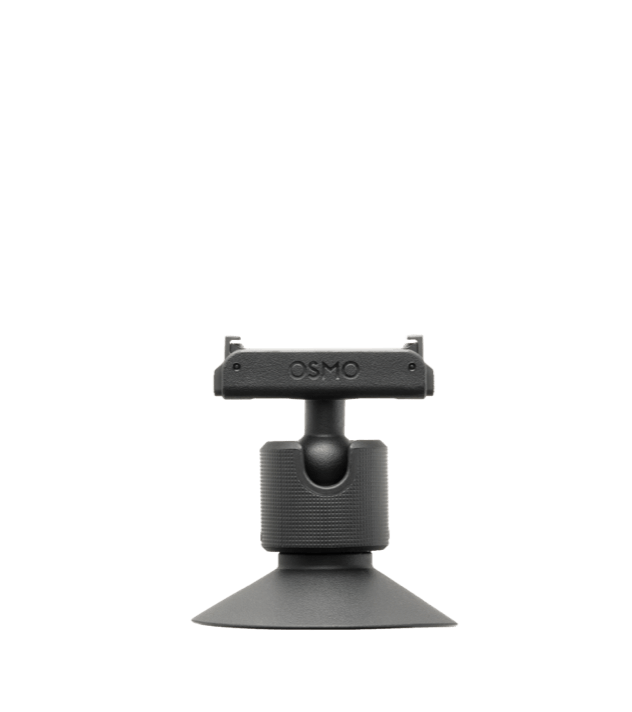
Osmo Nano Dual-Direction Magnetic Ball-Joint Adapter Mount [15]
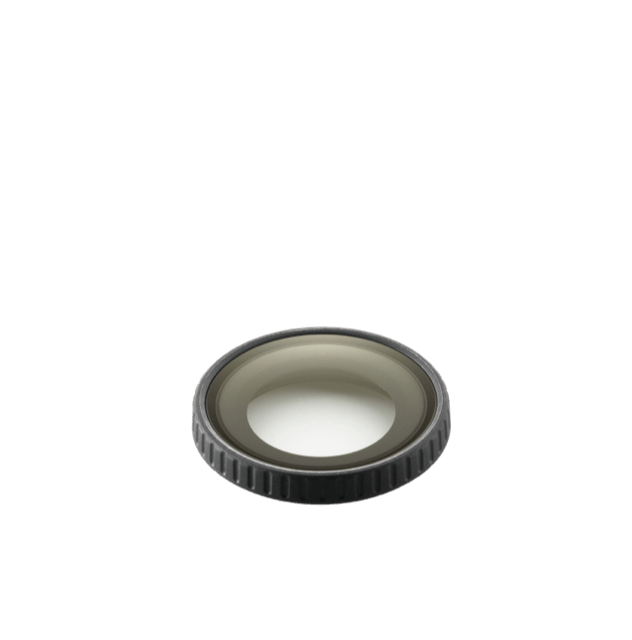
Osmo Nano Glass Lens Cover
Osmo Nano Protective Case
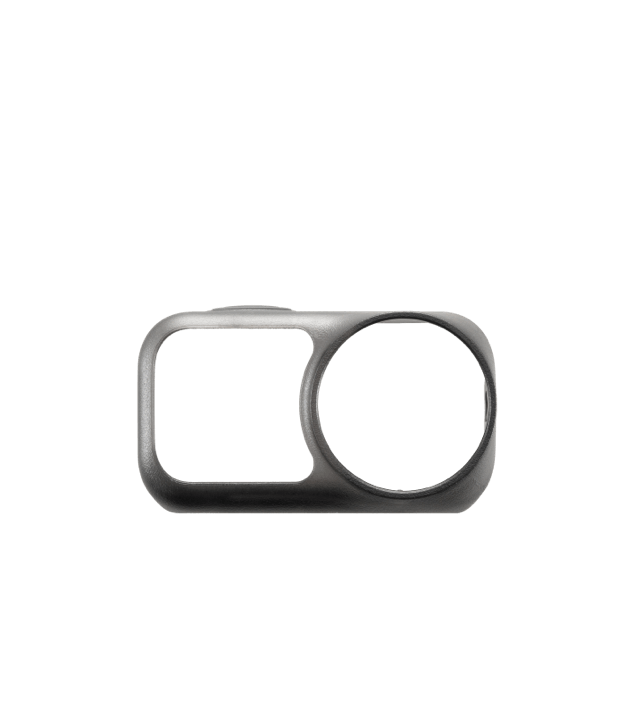
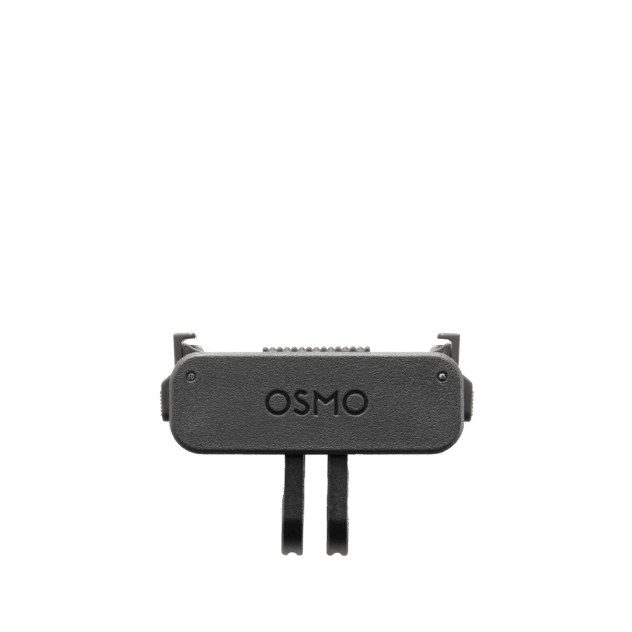
Osmo Dual-Direction Quick-Release Foldable Adapter Mount
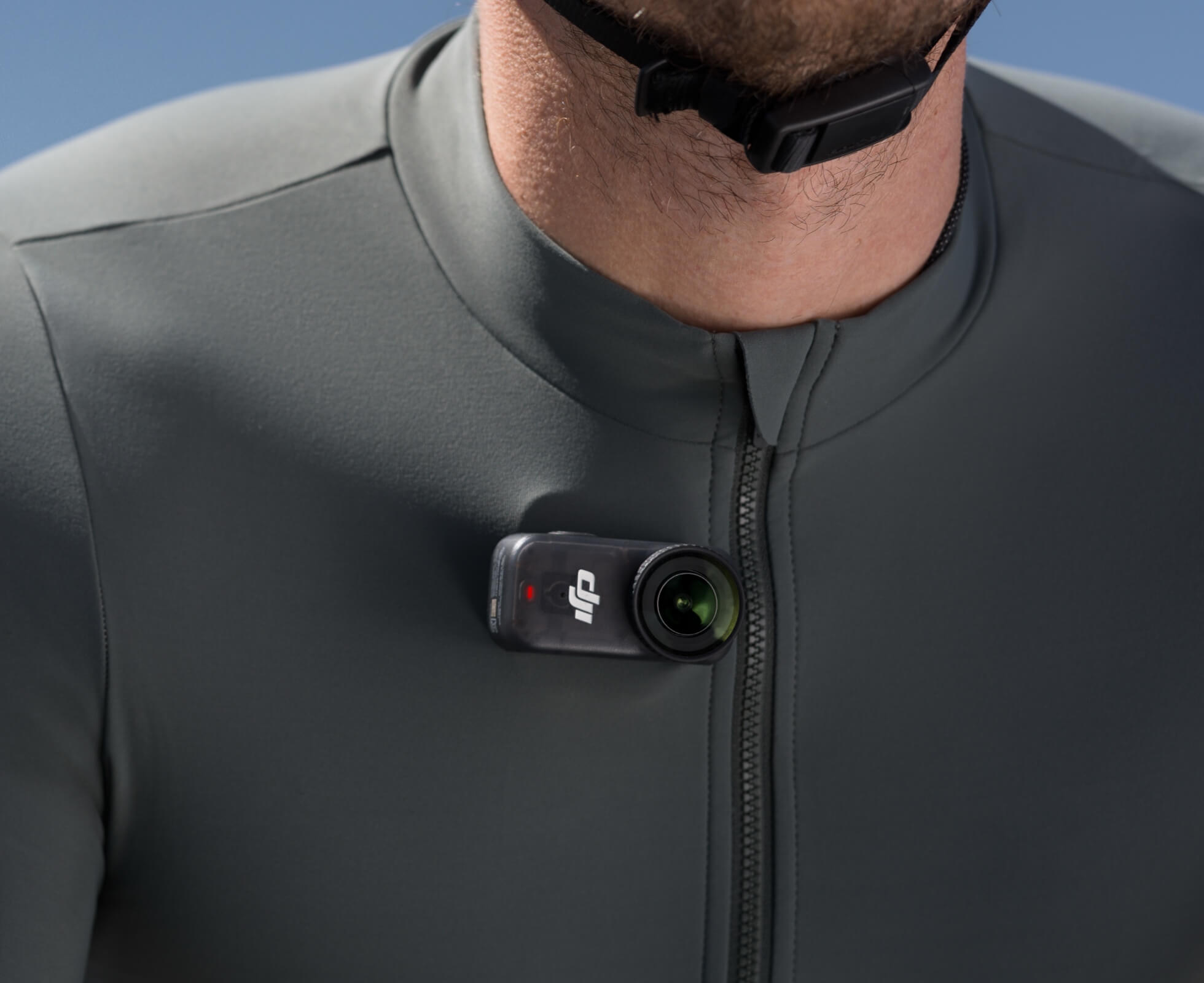
Osmo Magnetic Chest Strap

Own the Moment
- All-New 1/1.3″ Sensor4K/60fps & 143° Wide FOV10-bit & D-Log M Color Performance
- Lightweight, Dual-Sided Magnetic Design200-Min Extended Battery Life & Fast ChargingLive View With Remote Control & Swift Content Transfer

- DJI Mimo
1. The Osmo Nano Camera's dual-sided magnetic feature is only compatible with surfaces that are magnetic or can be attracted by magnets.
2. The main camera can operate for up to 90 minutes on its own. When connected to the Multifunctional Vision Dock, the operating time can extend to up to 200 minutes. Both battery life and Endurance mode durations were measured at 25° C (77° F) room temperature with RockSteady stabilization enabled, Wi-Fi disabled, and the screen turned off. The 90-minute runtime refers to the maximum recording time of the main camera when shooting 1080p/24fps (16:9) video, while the 60-minute runtime refers to the maximum recording time in Endurance mode when shooting 4K/30fps (16:9) video. Actual operating time may vary based on device settings, usage, and environmental factors. Data was collected in a controlled environment and should be taken as reference only.
3. Direct connection to the first-generation DJI Mic is not supported. DJI microphones are sold separately.
4. Before use, tighten the Glass Lens Cover. It is not recommended to use the camera body only for long-term underwater shooting or in environments with high water impact pressure. Do not use the camera in hot springs or extreme underwater environments, or let it come into contact with corrosive or unknown liquids.
5. IPX4 splash resistance is only available when the Multifunctional Vision Dock is attached to the camera.
6. Measured in a laboratory environment at 4K/30fps resolution, D-Log M color mode, and ISO 100 settings. Data is for reference only. Actual results may vary depending on shooting conditions and device settings.
7. Measured in a laboratory environment at 25° C (77° F) using a USB-C charger that supports the standard PD3.0 protocol with a maximum PD output power of 30W or above, with the photo and video functions turned off and the screen off.
8. To achieve a 600MB/s transfer speed, use the 128GB version of Osmo Nano with the included USB-C to USB-C PD cable (USB 3.1), and transfer data from the camera's built-in storage. The 64GB version of Osmo Nano supports transfer speeds of up to 400MB/s. Make sure your computer supports USB 3.1 high-speed transfers; actual transfer speeds may vary depending on the computer model.
9. The microSD card must be purchased separately, and the actual export rate depends on the read/write speed of the microSD card.
10. When Osmo Nano is connected with one or two wireless microphone transmitters, only the operation menu is available to ensure audio quality; live view is not supported.
11. Horizontal and vertical shooting cannot be switched during recording. Please select your desired orientation before you begin shooting.
12. Apple Watch data import is supported on iOS devices only.
13. In an interference-free environment, the wireless transfer speed of photos/videos stored in the built-in storage can reach up to 80 MB/s, while that of photos/videos stored on the microSD card can reach up to 50 MB/s.
14. Live photos are supported on iOS and on Android devices that support third-party live photo synthesis. Please check compatibility according to your device model and system version.
15. Recommended for use in static scenarios. The ideal attachment temperature range of the base is -10°C to 40°C (14°F to 104°F). Do not attach to curved surfaces, and ensure the attachment surface is clean. Press down on the attachment for 10 seconds after applying and wait 30 minutes before use.
16. SuperNight mode only supports 8-bit color depth and frame rates up to 30fps. It does not support the 4:3 aspect ratio.
17. EIS is not supported in Slow Motion and Timelapse modes. HorizonBalancing is only available when the video resolution is 1080p (16:9), 2.7K (16:9), or 4K (16:9) with a frame rate of 60fps or below.
| Unit | NOS |
| Manufacturer | Dji |
| Country of Origin | China |